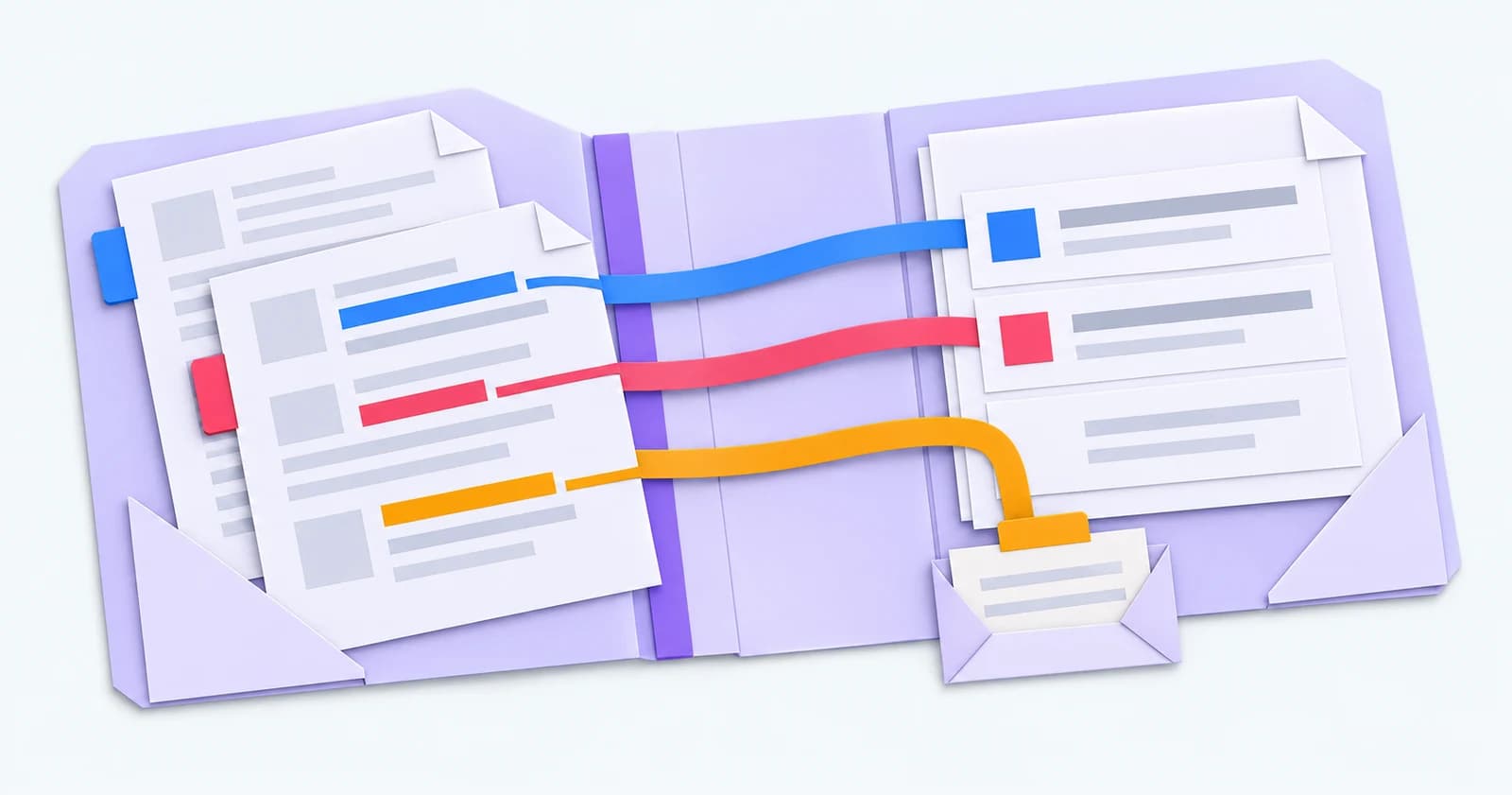
The call ends. A candidate has given you a new availability date, a preferred shift and a question for the client. Someone still needs to check the notes, update the record and make the next call.
That is a useful place to start with AI in recruitment: a specific job on a real desk. Ask what the tool reads, what it produces and what your consultant needs to check.
Start with the work your team recognises
Map one task from the first piece of information to the next action. Who does it today? Where does the information live? What happens when a candidate changes their answer?
In our agency workflow conversations, availability, candidate registration and keeping relationships current come up together. They cross several steps. A useful demo follows the information through those steps, including the point where someone needs to make a decision.
Where AI can help
Drafting is a practical starting point for the training period. Give the tool an approved brief, check the facts and tone, and feed back corrections. Once those corrections are incorporated and your team is confident, the agreed workflow can run automatically.
Summaries can help a consultant prepare for a call. Ask which records the summary uses and open those records alongside it. Check that dates, commitments and unanswered questions survive the summary. Older notes and a recent conversation may tell different stories.
For record updates, ask to see the proposed change and where it will be saved. An availability date belongs on the correct candidate record; a reminder needs an owner. Agree who checks results during training, how feedback changes the workflow and which exceptions need a person after automation.
In Talisman, approved assistants can help search CRM records, summarise context and prepare communications within the signed-in user's access. The available actions depend on the connection and permissions. Our AI recruitment agents page explains the supported areas of work.
Questions that make a demo useful
Bring a routine example and an awkward one. Try an incomplete brief, conflicting availability notes or a candidate whose status has changed. Watch what the tool asks, what it leaves for a person and what appears on the record afterwards.
Ask the supplier to explain how corrections are handled. Does an edit change this draft, save a preference, update an instruction or become part of a separate training process? Get the answer for the product you are buying. A claim that the system “learns” needs that detail.
Establish the boundary between systems. Which information stays in the CRM? What goes to the next system? Who checks that it arrived? Demonstrate the connections your agency will actually use, including what the team sees when a step fails.
Measure the whole task
Run a small pilot with the consultants who do the work. Record the time spent preparing, checking, correcting and completing the task. Count usable results and the cases that needed another attempt. Include setup effort and running costs in the review.
Compare equivalent work over an agreed period. Keep the examples and definitions so the team can explain the result. A quick draft is useful when the finished, checked work also takes less effort.
For repeatable reminders and follow-ups, also consider recruitment automation. A defined trigger and action may cover that part of the workflow.
Start with work the team recognises. Keep what helps them finish it properly.
Editorial review: September 2026.