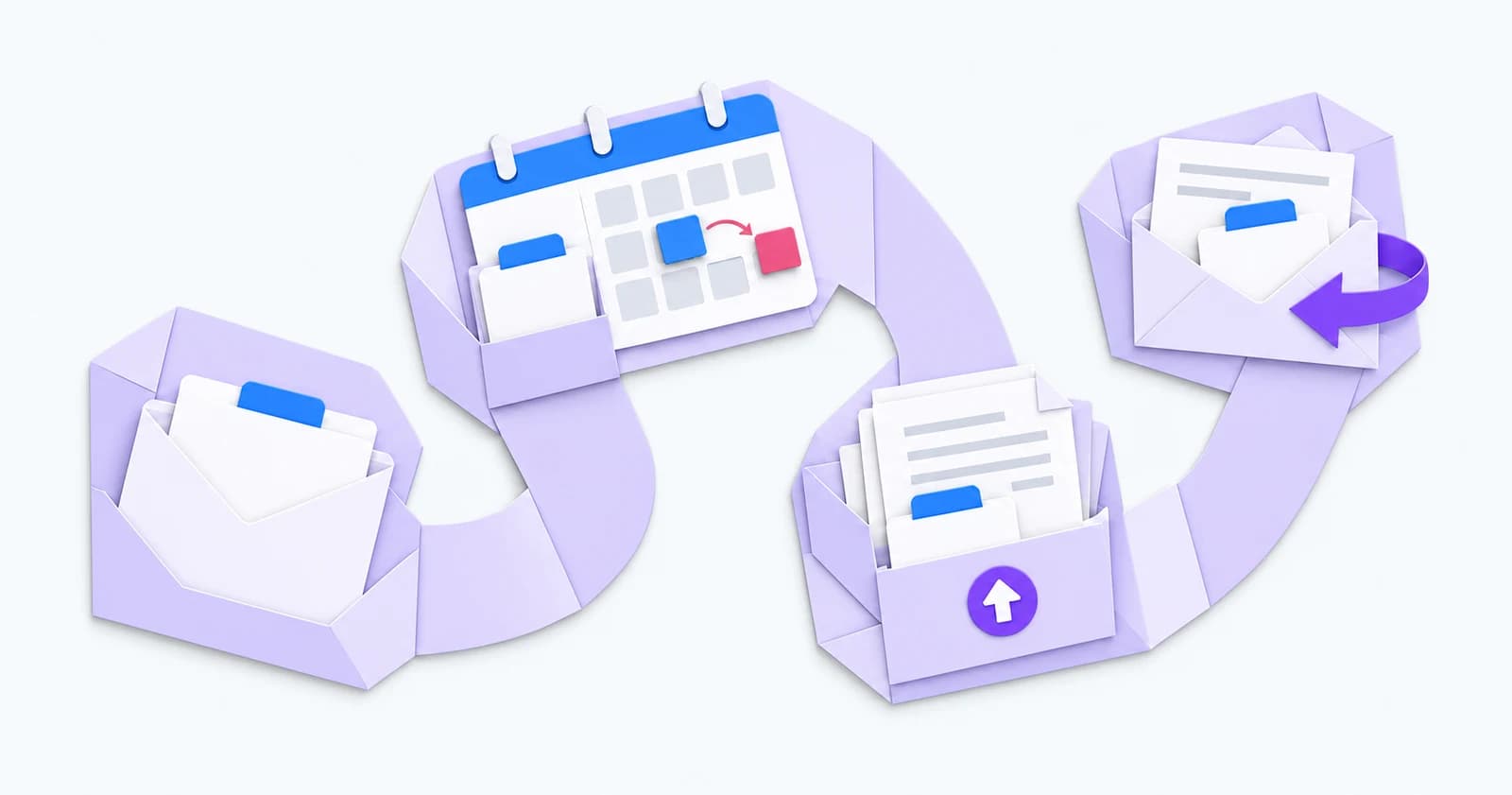
A candidate replies to a reminder. Their interview has already moved. Does the next message use the updated details?
Review candidate journey automation from the person's point of view. At each stage, check what they receive, what they need to do and who answers when something changes. Start with a journey your team handles regularly.
Application: make the next step clear
Follow a test application from the source your agency uses into the record your consultant reviews. Check how an existing candidate is recognised, where the application appears and who picks it up.
Read the acknowledgement as a candidate. It should explain what has arrived, what happens next and how to ask a question. Match any response-time promise to what your team can deliver.
Ask the consultant to find the candidate's latest details and conversation. Record any point where they need to search another inbox or ask a colleague what happened.
Interview: check changes as well as confirmations
Walk through an invitation, a confirmation and a changed time. Check the role, location or meeting link, preparation details and contact person in each message.
Talisman's candidate portals support interview viewing, attendance responses and feedback. Confirm which actions are enabled for your agency and test them on a phone.
Assign someone to handle a cancellation, a question or an unanswered invitation. Check that the candidate and consultant can both tell which arrangement is current.
Onboarding: show what still needs attention
Open the journey as a new starter. Are the requested documents clear? Can they find the upload action and ask for help if a document is unavailable?
Talisman's portals support document upload and download, e-signing and starter information where enabled. Agree which steps your agency uses and who checks the information supplied.
Keep submitted information distinct from reviewed information. Before work progresses, the responsible colleague should be able to see what is complete, what needs a correction and what is waiting for a decision.
Follow-up: give replies somewhere to go
For each reminder, agree the starting condition, message, timing and person responsible. Test what happens after a reply, a status change or a completed action. Include a route for exceptions your team needs to handle.
Talimate supports rule-based workflows, email and SMS reminders, and notifications to your team. Check the chosen workflow against your actual records and communication preferences before switching it on.
Run a small pilot and review the messages received, duplicate reminders, unanswered questions and corrections. Ask the people testing it where they felt unsure. Use those findings to adjust the journey.
Our recruitment automation guide explains the underlying triggers and actions. The test here is simpler: can the candidate understand the next step, and can your team pick up the conversation?