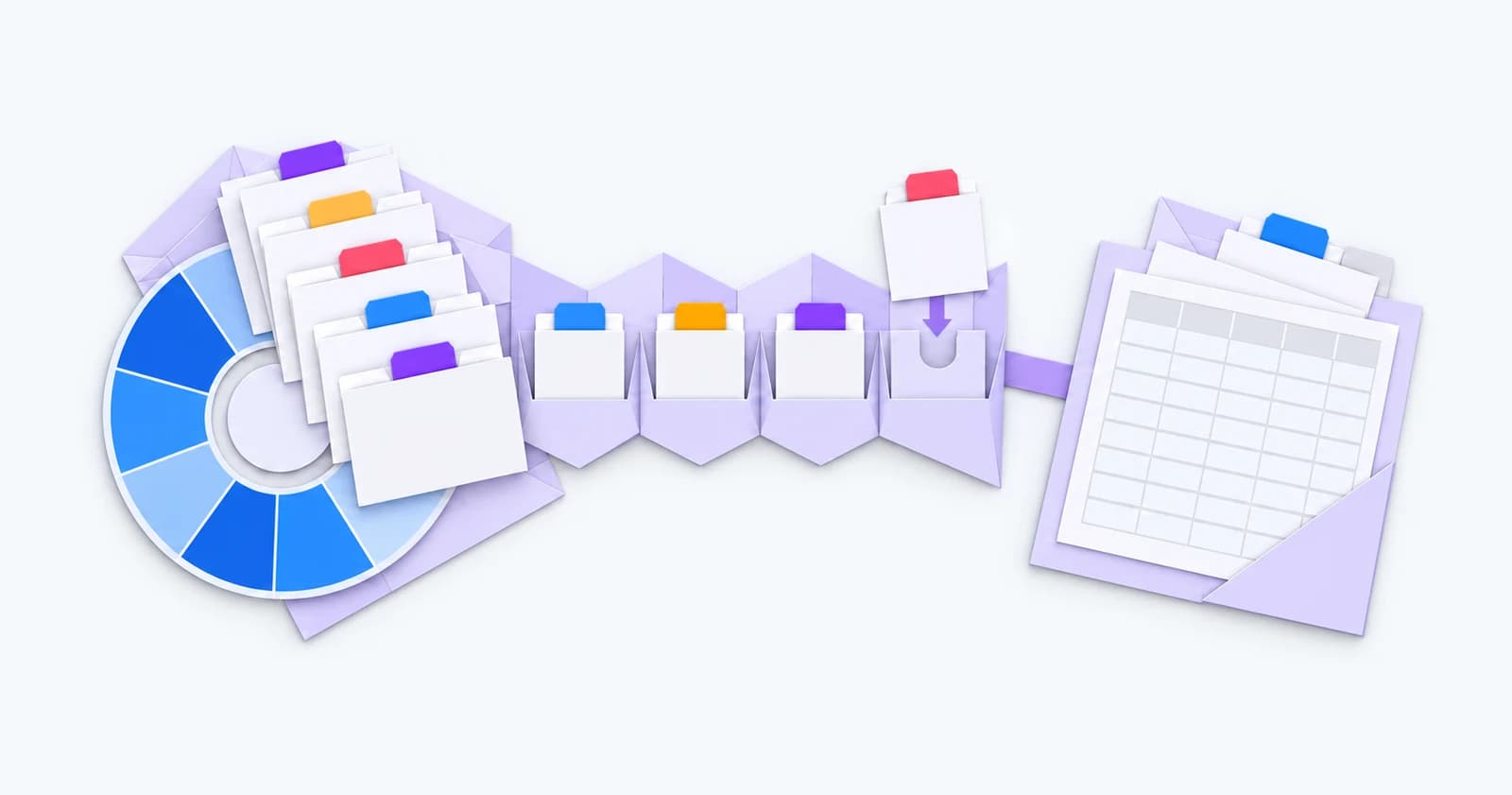
A client rings with another shift for tomorrow. The consultant finds a worker and confirms the booking. Later, someone needs the approved hours, the agreed rates and the details for the invoice.
Use that whole sequence to evaluate temporary recruitment agency software. Test availability, changes to a shift and what the next person needs to know.
That is the approach we take when talking through agency workflows at Talisman. Start with the work your team does, including the awkward changes, and ask the software to follow it. A polished demonstration is useful; a demonstration of your working day tells you more.
Start with the way your desk fills work
A six-week contract and a shift needed tomorrow can follow different recruitment processes. The contract may involve CV submissions, interviews and an agreed start. A short-notice shift puts more emphasis on who is available, suitable and ready to book.
Bring both kinds of work to the demonstration if your agency handles both. Start once from an open client requirement, then start again from an available worker. Check how easily the consultant can find the information for each decision.
Ask what happens when the job changes after the original conversation. A system that makes the first booking easy still needs to make the correction understandable.
Treat availability as information that changes
A worker marked available last week may have accepted work elsewhere. A contractor nearing the end of an assignment may be ready for another role, but only if the record reflects the latest conversation.
Test how your team records availability, unavailability and existing bookings. Check how a worker's update reaches the consultant who is filling the next shift. If a portal is part of the proposed process, ask to see that update arrive in the working view.
Then introduce a conflict. Try a worker who is already booked, or change an assignment's end date. Your evaluation should establish what the consultant sees, which checks depend on configuration and who owns the final decision.
The useful question is whether the record helps someone act with current information.
Follow the booking beyond the worker's name
In our agency-workflow discussions, the booking is where several teams' information comes together. The consultant needs the worker, role, dates and site. The person handling the next stage may also need the agreed pay and charge rates, the reporting contact and the client's purchase-order reference where one is required.
Take a sample booking into the demo and follow those details through. Which values come from an agreed default? Which can be changed? Who is allowed to change them? Where does the change appear afterwards?
For rates, use an example your team actually encounters: an overtime rate, a changed shift or a different arrangement for a particular client. Ask the supplier to explain the configuration and how exceptions work. Keep legal and payroll interpretation with the people responsible for it. Assess compliance separately with your advisers.
Test the extra shift and the cancellation
Routine exceptions make a useful evaluation checklist. Add another shift to an existing run. Copy a booking to a different day. Replace a worker. Cancel a booking after someone has already acted on it.
Watch the whole interaction. Does the consultant have to re-enter information? Is it clear which dates or workers a bulk action affects? Can a colleague establish what changed from the record?
Measure the steps on your own example. Keep the sample realistic and small enough that your team can explain what a correct result looks like.
Talisman Booking Desk brings jobs, shifts and worker availability into the booking workflow, with repeat-booking actions and configured checks. Use the same exception checklist when you ask us to demonstrate it.
Agree what goes to payroll and accounts
Some agencies want the booking, timesheet and pay-and-bill process in one platform. Others retain a separate provider for part of the work. Either way, define the boundary before accepting an integration claim.
What event makes a record ready to leave the recruitment system? Which fields must be present? What happens if an approved value changes afterwards? Who sees a failed transfer, and how does the correction preserve a single record?
Ask to see how records reach payroll and accounts in your proposed setup. An export, a supported integration and a proposed automation are different commitments. Make sure the demonstration and implementation scope describe the same one.
For the Talisman workflow, review online timesheets and Pay & Bill alongside the booking itself. That keeps the conversation grounded in what happens after the shift is filled.
Bring a working-day test
Choose one ordinary booking, one urgent booking and one awkward change. Use fictional worker details with realistic dates and arrangements. Ask a consultant and someone responsible for the next operational stage to review the result together.
Write down what passed, what requires configuration and what remains a proposed change. Those distinctions give you a more useful buying decision than a long list of features marked yes.
If you would like to test that workflow with Talisman, request a demo and tell us which part of the booking currently creates the most work.