Fill temporary shifts with availability and booking checks in view.
Jobs, shifts and placements, who’s free, the rate and the checks — on one screen.
- One working deskJobs, shifts, who’s free and what just changed.
- Built for temporary bookingsFill, copy and manage shifts on one desk.
- The same record throughoutPlacements and approved hours go into time, pay and billing.
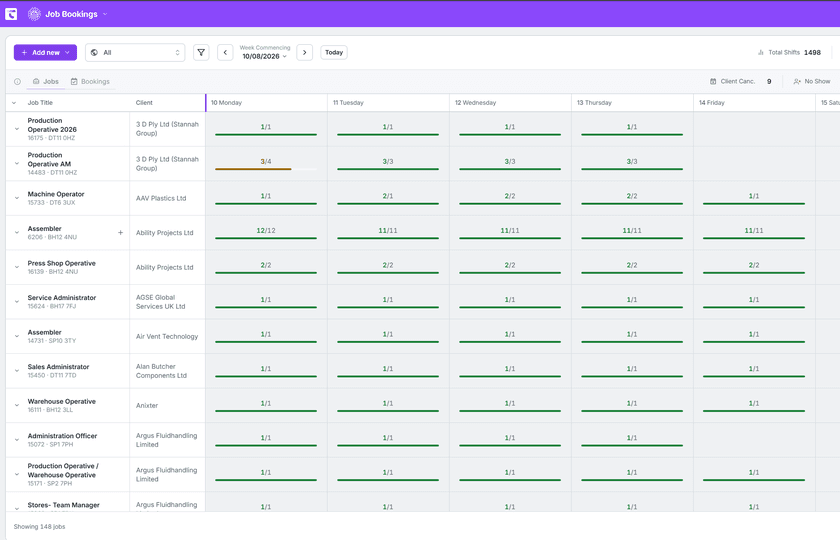
Book the shift while the client is still on the phone.
Saved searches and filters
The same work comes round every week, usually the same names with it. Save the search once.
Quick-add the shift that just landed
A client rings at half four wanting cover for tomorrow. Add the job from the screen you are on.
Copy a booking onto another date
The client wants the same person back on Thursday. Copy it across with the agreed rate attached.
Set the pattern once for a run
Nights, alternate weeks, every Tuesday and Thursday to month end. Set the pattern once.
Handle a stack of shifts together
A big order arrives as a run of shifts. Work all twenty together on one booking.
Filled, working and open counters
What is filled, what is being worked on, and what is still waiting.
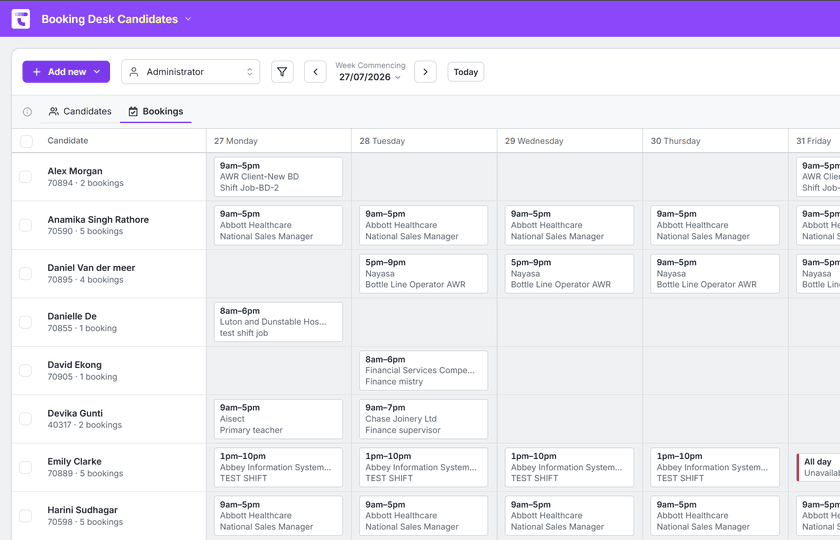
Set jobs up the way your desk actually runs them.
Set up temporary jobs and shift cover. The client, the dates and the rates sit on one record.
- See what’s open, urgent, standing, filled, closed or cancelled
- Keep the rates, the head count and the invoice period on the job
- Push the vacancy advert out, where you’ve set that up
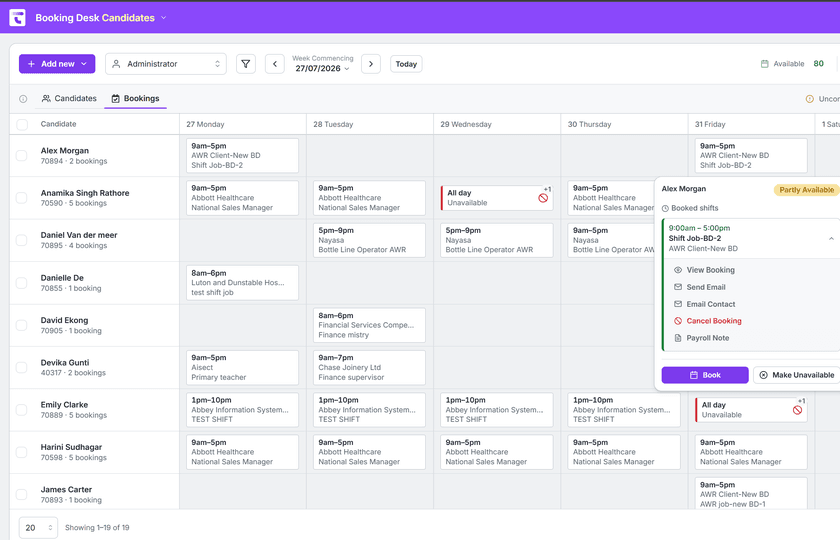
Check it before you book it.
Before anyone is committed, the desk shows whether that worker can be paid, where they stand on AWR, and how their rate compares. Then the consultant decides.
- See whether they can be paid, and where they stand on AWR
- Configured fatigue, break, recent-hours and duration checks alongside the booking
- You decide who can change a booking or a placement
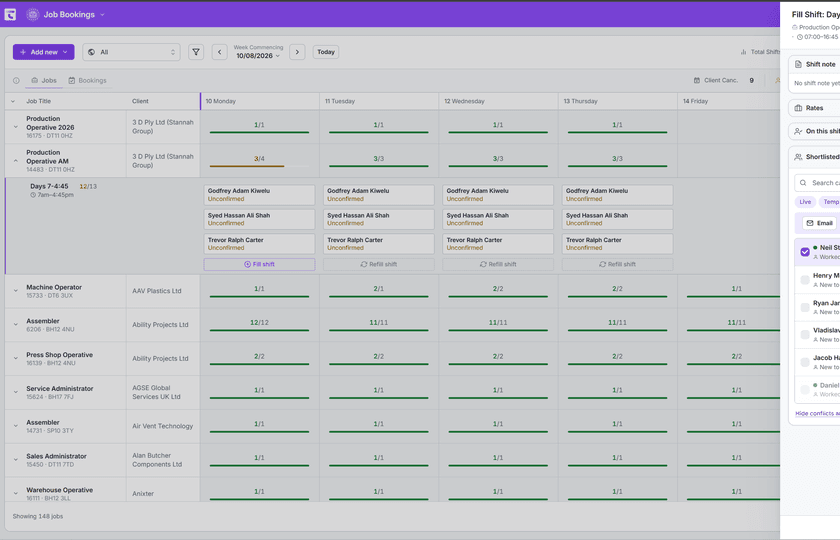
What agents do here
The shift lands on the booking record. Sourcing Sam has the list of people worth ringing. Compliance Clara flags the missing certificate. They work inside Talisman, on the same jobs and candidates your desk is already on.
- Sam has the call list ready against the shifts you still need to fill
- Clara flags missing checks for the team to resolve
- Review results during training, then automate the agreed workflow once confident
What you agreed carries into time, pay and self-service.
The CRM holds the candidate, the client and the job.
The booking carries the pay details into the timesheet, then the payroll run and the invoice.
Worker and client portals show each side the same records.
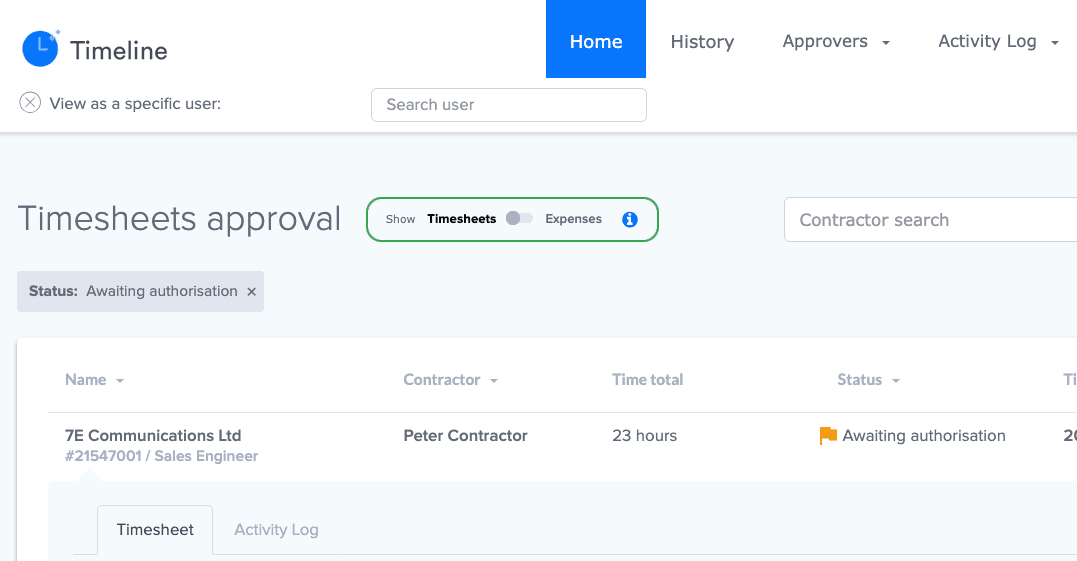
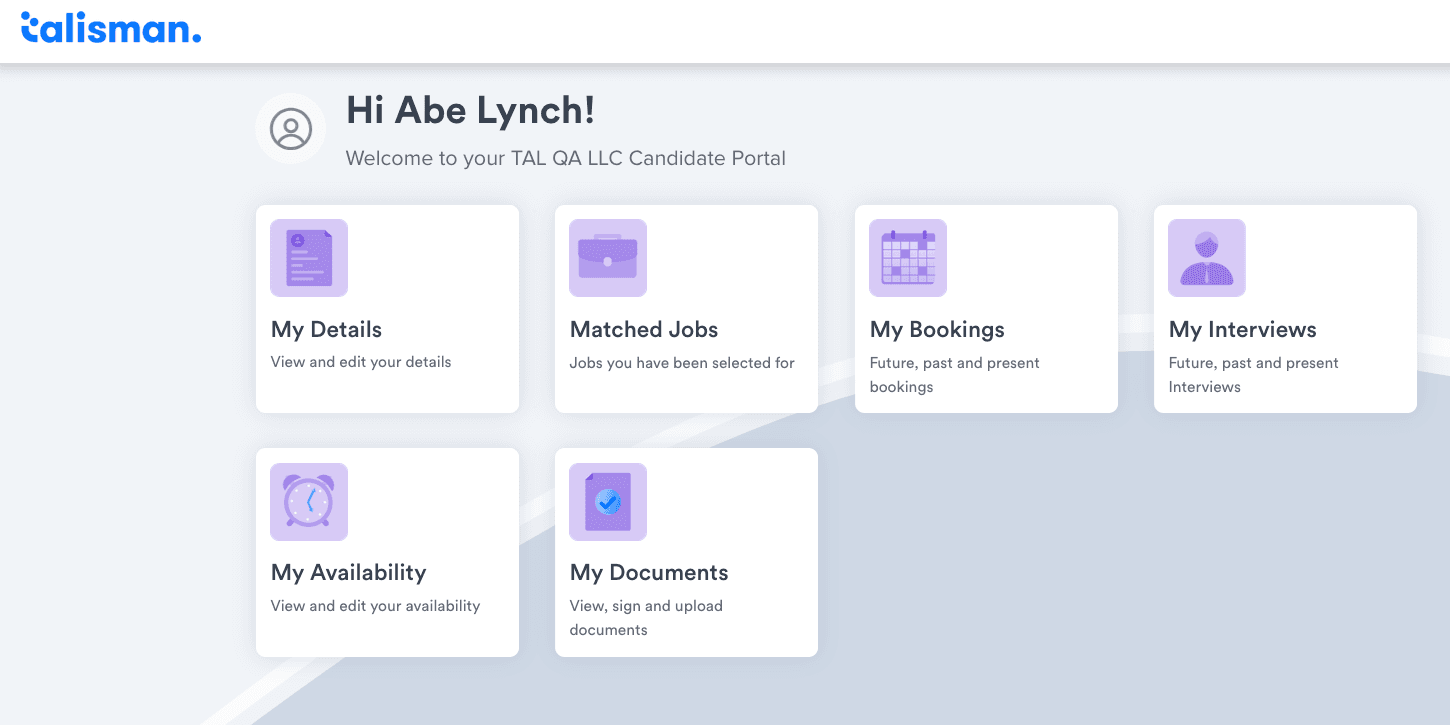
Protect the booking and the money attached to it.
Decide who can raise a booking, and who can change one once work has started. Right to work, AWR, IR35 and who approved it sit with the booking.
Security and GDPR detailRecruitment booking software questions.
Which kinds of work can the booking desk run?
Temporary jobs and shifts. The job holds the client, the dates, the role detail and the rates you agreed. Permanent placements are managed separately.
How does Booking Desk help fill a temporary shift?
Start from the open job, or from the worker. You see who’s free, who’s booked elsewhere, and what is still waiting for a worker.
What checks can you see before you book someone?
Whether the worker can be paid, where they stand on AWR, and how the rate compares. Plus the fatigue, break, recent-hours and duration checks you’ve configured.
What happens when a booking is cancelled or a placement goes wrong?
Cancel the job or the booking with the date and the reason. The history gives the whole team the same answer in three weeks.
See a week of your own bookings run in one desk
Half an hour on your own kind of work.