What the search checks
- Records already in Talisman
- The owner and the last contact
- Emails and texts already logged
- Whether a colleague is already talking to them
Search Talisman from the panel, then link the person or add them.
Search Talisman CRM from the panel while you browse. Read what the agency already holds on the candidate, the contact, the client or the job. You see whether a colleague spoke to this person last month before you send the first message.
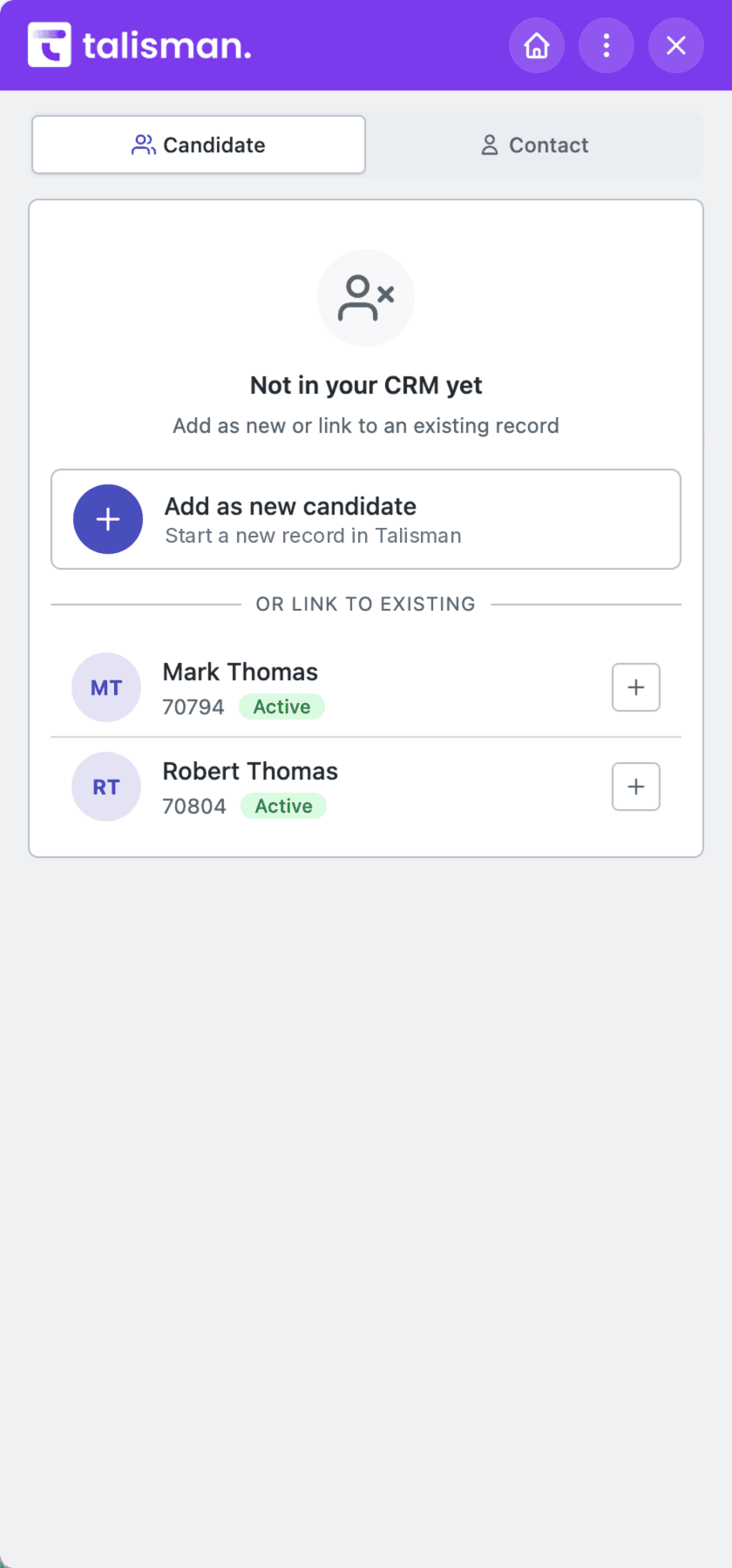
Every new person starts with a search of the CRM. The recruiter checks whether the result really is the same John Murphy, picks link or add, and reads every field before saving.
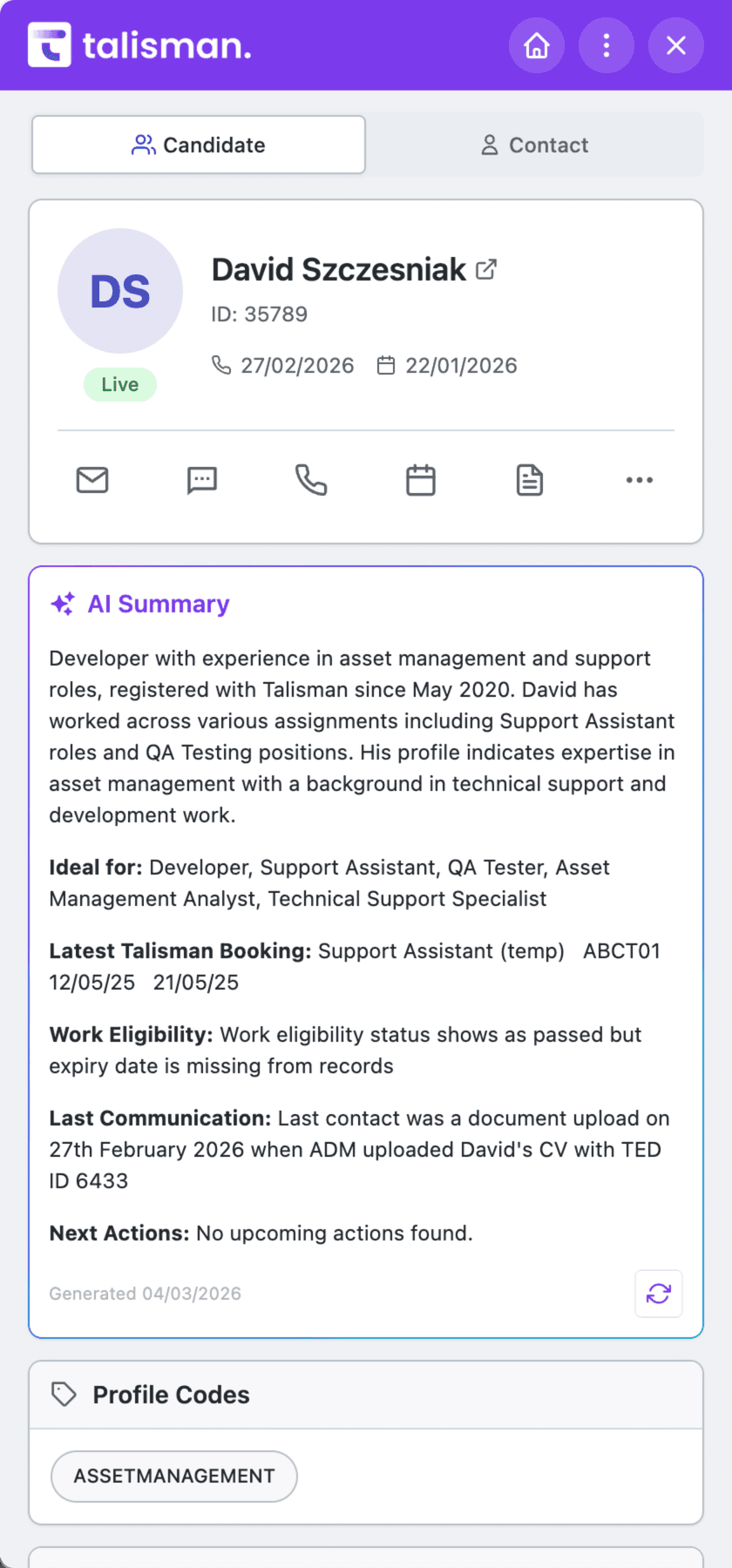
The brief puts the work history, how close they look to the role and the last contact on one screen. The recruiter reads the source and makes the call.
Send the email, send the text, set the reminder — from the panel. What you sent sits on the CRM record where the rest of the team can read it.
Write it from a template, attach the CV, and the send goes onto the record.
Read the thread you have already had with them, then write the next one.
The reminder for Friday sits on the record beside the rest of the history.
Put them against the job you are working while the record is open.
Keep the ones worth another look where the rest of the desk can see them.
Add them to a campaign the agency is already running, if your set-up allows it.
Turn the agents on and they work from the live Talisman candidates, owners, permissions and call history. Sourcing Sam can run the search, draft the brief and line up the next action. Review early results, feed back corrections, then automate the agreed workflow once your team is confident.
Wherever you find them, Talisman is where they live. Once the person is linked or created, shortlist them against a perm role or a shift, email them from the record, or hand them to a Talimate follow-up workflow the agency already runs. The next consultant sees all of it on the same record.
It opens the CRM in a side panel. Search candidates, contacts, clients and jobs. Read what has already happened with each one, then take the next action from the same tab. The owner, notes, calls, emails and texts stay in reach while you keep browsing.
It searches Talisman first. If something comes back that could be the same person, the consultant opens it and reads it. Then they link the person to that record, or add a new one. The consultant checks every field before it saves.
Read the CRM context, send an email or a text, set a reminder, use shortlists and favourites, add somebody to a campaign, open the documents that matter. What appears depends on the record, the agency set-up and the permissions of the person signed in. Whatever gets sent is logged on the relationship history.
In the sourcing panel, the recruiter checks the suggested match before choosing link or create. For agent workflows, use the training period to review results and incorporate feedback, then automate the agreed work once your team is confident.
Tell us about your perm, temp or contract desk. We will show search, link-or-create and the follow-up on real records.