Recruitment CRM: the one screen your desk works from.
Candidates, clients, jobs, placements, bookings and the call you owe someone. One record, every desk.
From the brief on the phone to a placement you can invoice.
- A client rings in with a vacancy, a shift or a contractA live job with the contact, the dates and the ratesWho The consultant on the call
- Talisman searches the database and the words inside the CVsA shortlist on that job, likeliest near the topWho The consultant decides who gets called
- Consent, right to work and the documents that expireWhat is missing, and what expires whenWho Talisman flags it; the consultant decides
- The CV goes to the client and the interview gets bookedWho it went to, who interviewed, what came of itWho The consultant and the hiring contact
- The placement is made, or the shift is bookedThe salary, the fee, the rates, what was agreedWho The consultant confirms it
- Approved time turns into pay and the client’s invoiceThe same record carries into Pay & BillWho Your back office, on the same record
What happens when something is missing
- A document has expiredA consultant chases the certificate and records the new dateGoes back to: Consent, right to work and the documents that expire
- Consent or right to work is missingThe record pauses for a named consultantStops here. A named person picks it up.
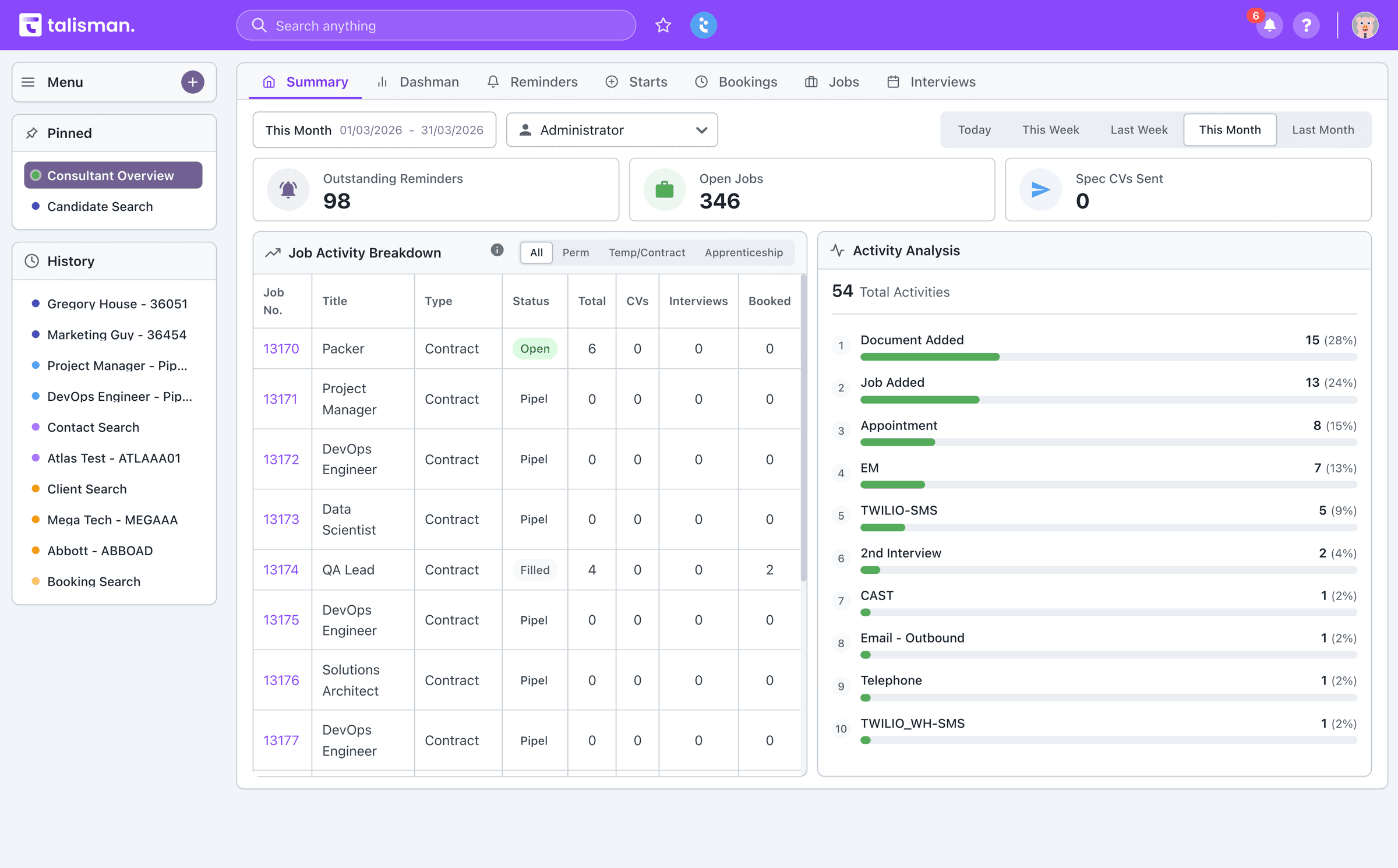
Know what today looks like before the first call.
You log in and the day is already there. Reminders due, jobs open, yesterday’s CVs, this week’s interviews.
- Reminders on the record they belong to, in the order they fall due
- Every notification opens the candidate, job or booking it came from
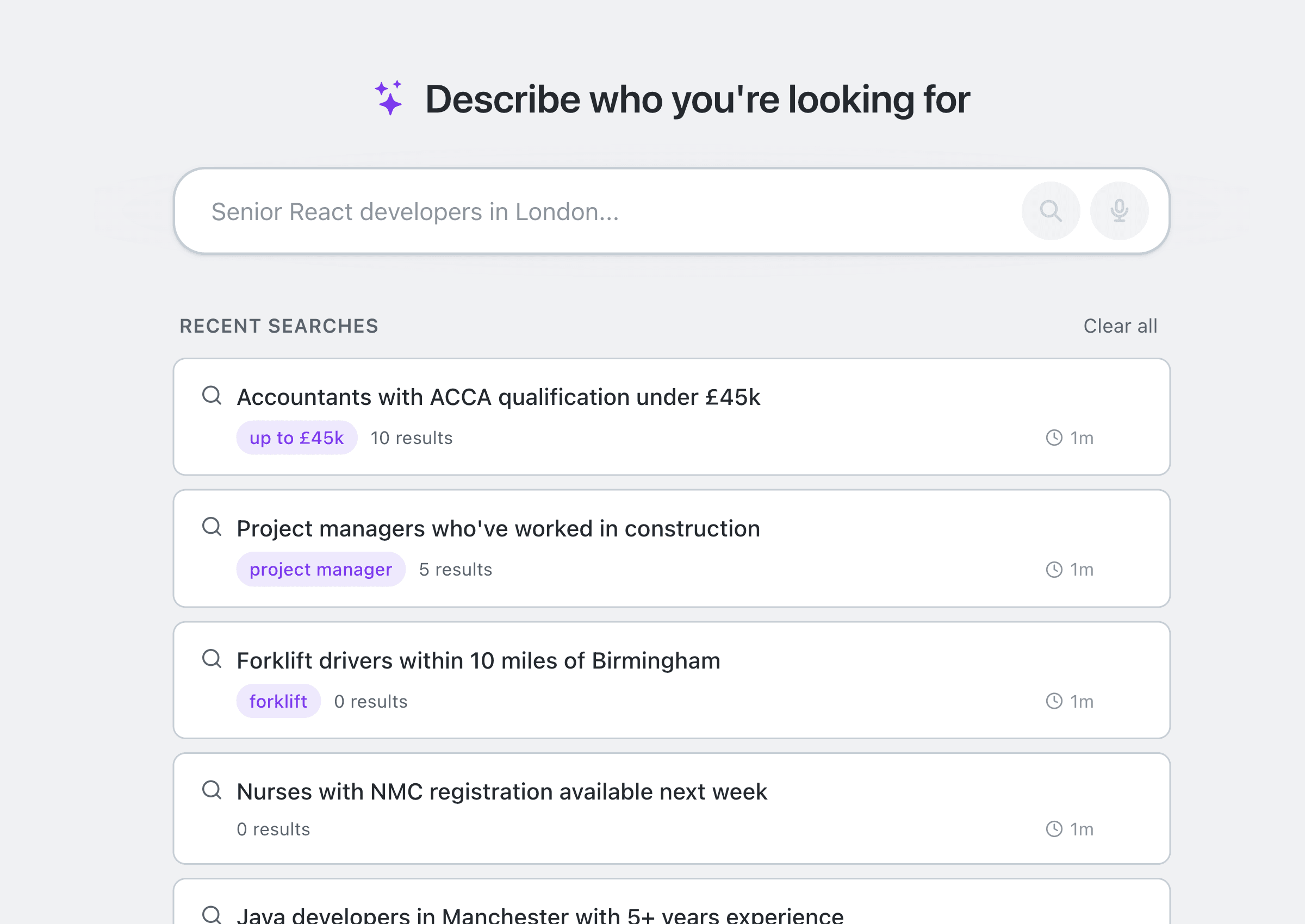
Describe the person you need in plain English.
The tickets for a shift. The experience for a perm role. Talisman reads the CVs.
Run perm, temp and contract from the same CRM.
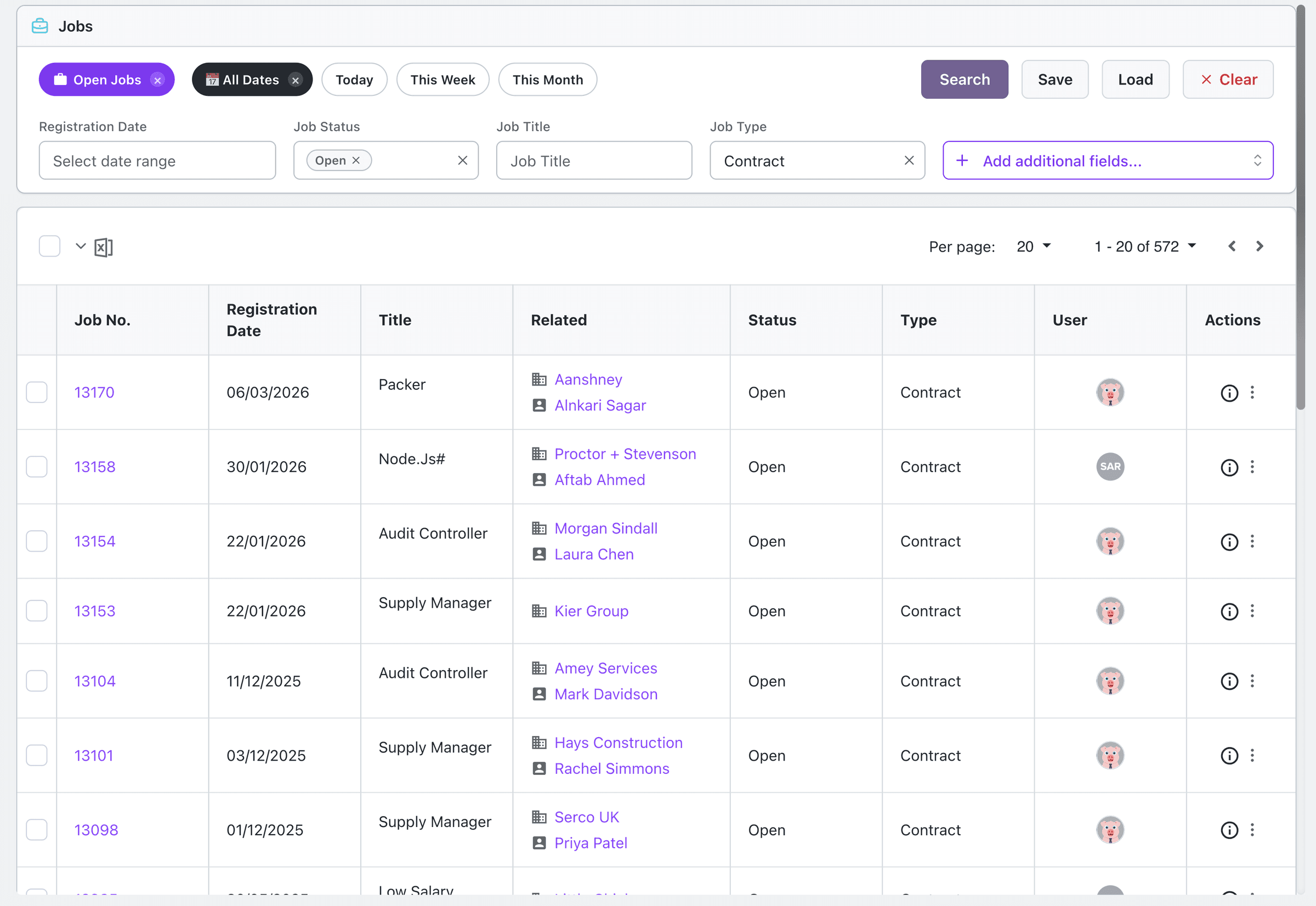
A job starts when you take the brief. Its status, owner and history sit on it through shortlist, interview and placement. On the temp desk the same job becomes a booking.
- Filter the job list by type, status, date and whose job it is
- See who the CV went to, who interviewed, and what came of it
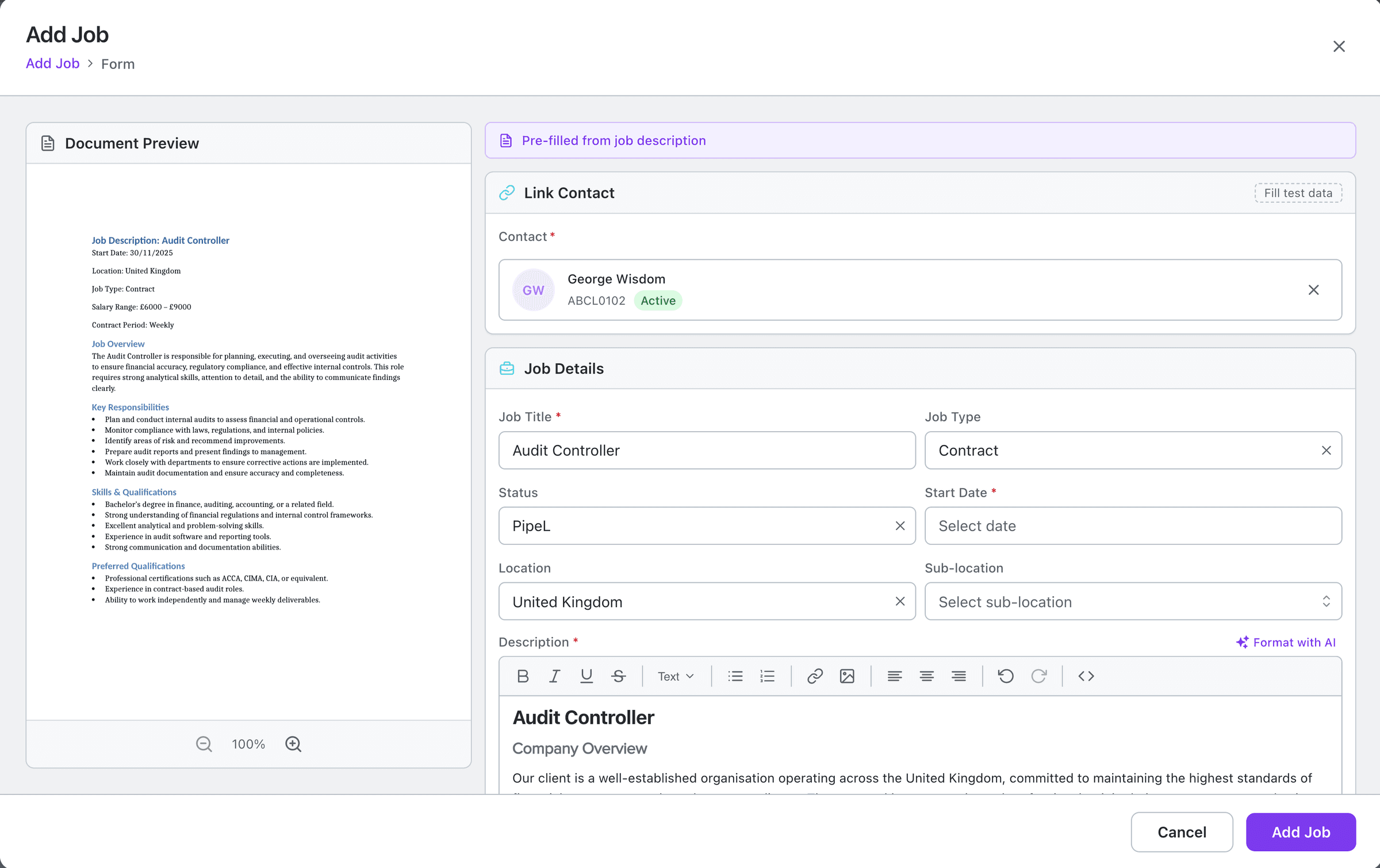
- Paste in the client’s job spec and get a draft listing to check
Built for agencies where the desks talk to each other.
Perm, temp and contract share the same records. Role-based access and change history on audited records help your team track who did what. Consent, right to work and expiry dates sit beside the recruitment work. Review AI results during training, then automate the agreed workflow. More on security, compliance and GDPR.
| What Talisman does | What you decide |
|---|---|
| A search built from the plain-English description of the person you need | Who gets rung today, and who is saved for the next job like it |
| A list of likely matches against the live job, with the likeliest near the top | Who is actually right for that client, after the consultant reads the CV |
| A flag on consent, right to work or a document with an expiry date coming up | When to chase it, what to accept, and whether the worker is compliant |
Recruitment CRM questions.
What does a recruitment CRM keep in one place?
Candidates, clients, contacts, jobs and bookings sit beside the activity around them. One screen holds the CV, the documents, the interviews, the calls and the notes.
Can one CRM support perm, temp and contract desks?
Yes. Perm, temp and contract work hang off the same candidate and client records. Perm runs brief, shortlist, interview, offer. Temp runs brief, shortlist, shift, timesheet.
Can recruiters search candidates in plain English?
Yes. Name the role, the experience you need, the tickets, the location and the shift pattern. Talisman reads the CRM profiles and the words inside the CVs. The recruiter rings them.
How does Talisman keep activity and follow-up visible?
Reminders, notifications and a searchable log keep each next action on the record it belongs to. The call-back stays on the record until it is made.
See it running on a desk like yours
We walk your consultants, your managers and your back office through the screens they would be in every day.