Portals & Self-Service: they do it themselves, on your records.
A candidate, a worker and a hiring manager. A login each, on your records.
What is Talisman Portals & Self-Service?
Count yesterday's calls that only moved admin along. An updated CV. An interview confirmation. A missing document.
Each one has an owner who is happy to do it. A secure login each, built for a phone.
The address they typed lands on the candidate record. The certificate they photographed lands on their record too. Set up Talimate automations or AI agents to update the placement checks.
Who signs in, and what they are allowed to change
| Who signs in | What they open | What they can change |
|---|---|---|
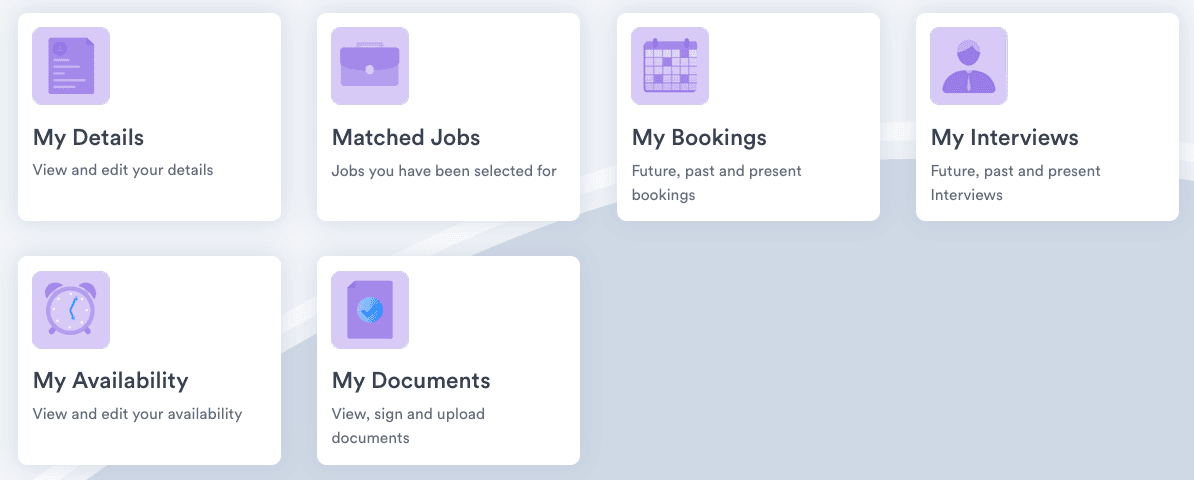
| A candidate | My Details, Matched Jobs, My Interviews | Their details, their CV and their consent |
| A worker on assignment | My Bookings, My Availability, My Documents | Their availability, their documents, their timesheet |
| A client contact | The candidates, bookings and documents that belong to them | What you opened up on their account |
| The named approver | Their waiting list of weeks, with hours and breaks | Accept, amend, reject or query, with the reason typed in |
Uploaded once, against the right record
The worker presses My Documents and the upload attaches to their own record. The right to work, the DBS certificate, the qualification. The same login signs the agreement.
The expiry date sits with it, so the window closing next month is visible this month.
A certificate that arrived at half six is a booking that goes ahead, or a Monday start that holds.
Where the portal sits in the rest of Talisman
The CRM holds the candidate, the client, the placement and every conversation.
Booking Desk makes the shift from the availability the worker set. Online Timesheets takes the week. Pay & Bill turns approved hours into the payslip and the client invoice.
Portals and self-service FAQ
What can a candidate or a worker do in the portal themselves?
They edit their own details, so a new address reaches the record payroll reads. They open their matched jobs, their interviews and their bookings. They view, sign and upload their own documents. They set the days they can work. Change history keeps the answer beside the record.
How does a client approve hours through the portal?
The manager you named as approver opens their own waiting list. The hours, the breaks and whatever the worker attached are all there. A queried week goes back to the worker carrying the reason.
How long does it take to get portals running on our desk?
The setup work comes first. Your team agrees which tasks each portal offers, which documents you ask for and who approves for each client account. A submitted week still waits on the person you named to approve it.
Bring us the calls your desk took yesterday
Half an hour on your own desk. Bring four of yesterday's calls and see where each one lands.