See the whole agency. Trace every number.
- Ask in plain languageThe question you’d ask your ops manager.
- Review the logicSee the working before you save it.
- Trace the resultClick the number. See the placements behind it.
Describe the view you need, in a sentence
“Which consultants are behind on target this month?” Dashman drafts the view and shows its working.
The builder, stage by stage
Describe
Ask the way you’d ask the desk next to you.
Preview
Look at the draft it has built.
Review
Save it as the agency’s number.
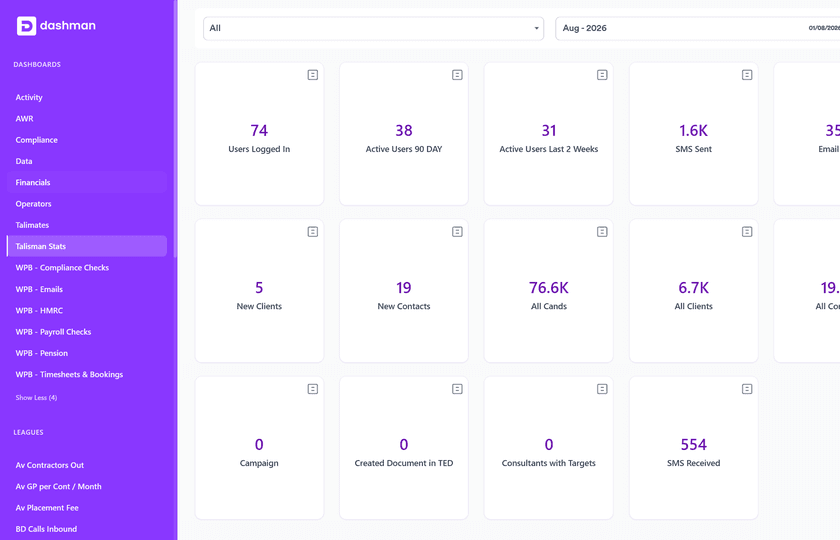
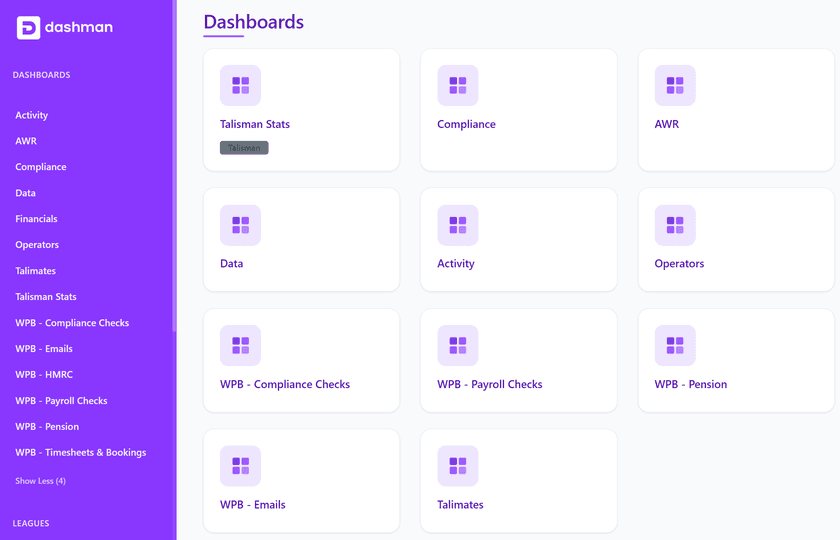
See live dashboards built for each role
The owner sees the whole agency, a branch manager their branch, a perm or contract consultant their own desk. Activity, compliance, AWR, payroll checks and pension each get a dashboard.
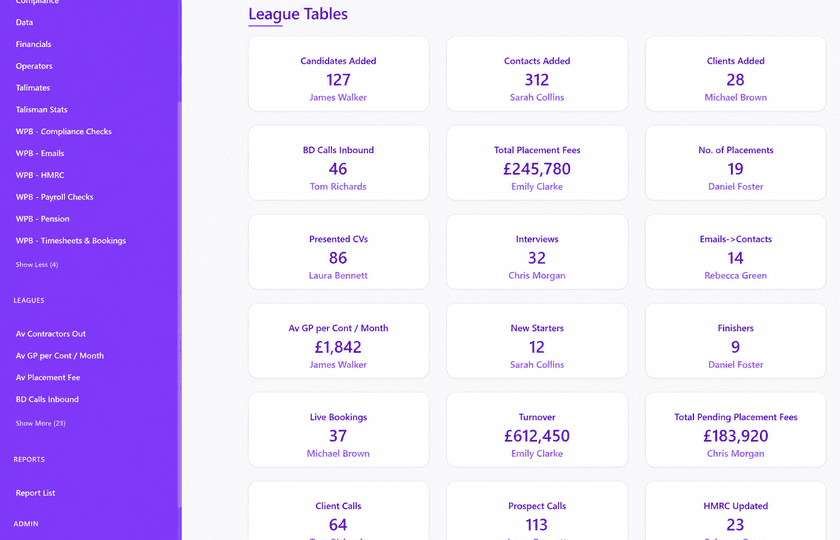
Put performance where the desk can see it
Compare consultants, teams, branches or two periods. Open the calls and interviews behind a result. What you do about it stays a manager’s call.
Dashman FAQ
Can Dashman build a report from a plain-language request?
Yes. Type it the way you’d ask a colleague. Dashman drafts it and shows every count and filter it used. You approve the definition before it is shared.
What can a recruitment dashboard show?
Calls and interviews, the pipeline by stage, targets against actuals, placements made. Plus how each branch and each consultant is doing.
Can managers drill into the number behind a KPI?
Yes. Click the KPI and you get the report. Click a line and you get the candidate, the job or the call.
How do reports stay consistent, and who gets to see them?
Save the definition once the agency has agreed it, then run it again with a new date range or branch. People see the views their role allows, and changes stay on the record.
Ask Dashman the question you keep exporting to a spreadsheet
Bring the KPI you rebuild by hand. See it drafted live.